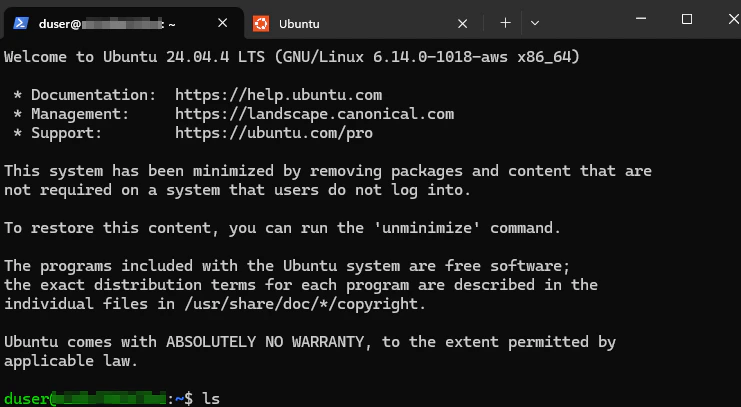
Step 1: Select Recipe
- Sign in to the Dispersed Console
- Go to Run in the sidebar
- In the Recipe section, select a Job Recipe or customize your own job recipe
- In the GPU section, choose Any compatible GPU
Step 2: Fill in Inputs
In the configuration modal, provide the required inputs:Step 3: Submit
Click Submit Job. You’ll be redirected to the Job Detail page.Step 4: Wait for Node Assignment
After submitting, your Job goes through these stages:
Once a Node is assigned, a Job Run is automatically created. This may take a few seconds to a few minutes depending on network availability.
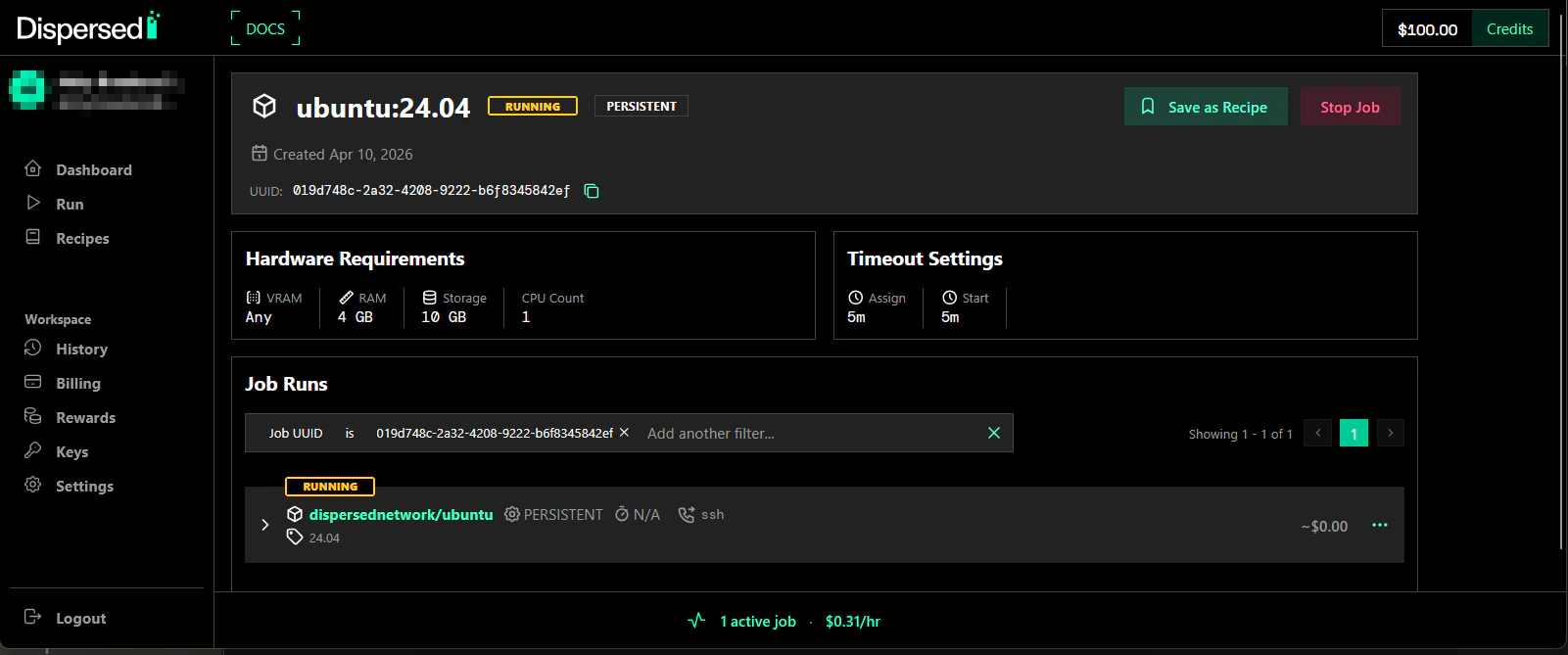
Step 5: Get Connection
When your Job shows RUNNING:- On the Job Detail page, find the Job Runs section
- Click on the Job Run to open the Job Run Detail page
- The connection information appears under Node URLs
hostname and port needed for SSH access.
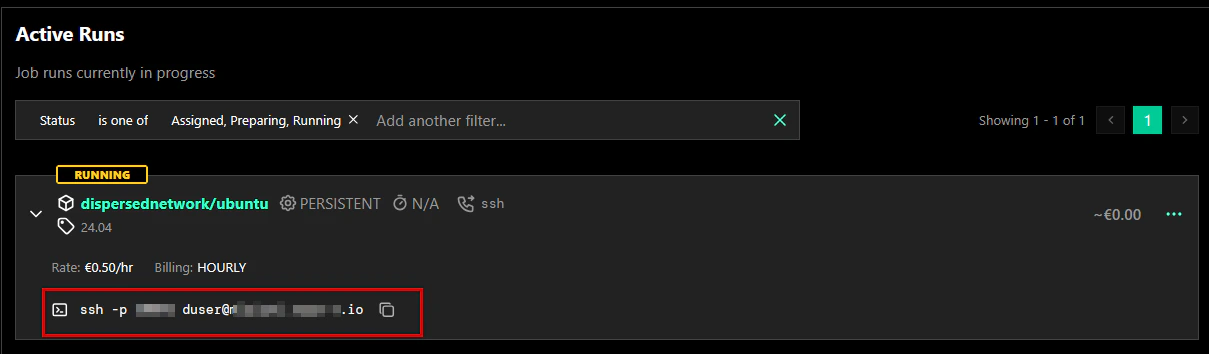
Step 6: Connect
Use the connection info from the Job Run Detail page: