

-
Monitor when each Node earned its rewards categorically through three properties. You can view the rewards earned by each Node, the combined rewards for an active or finalized epoch, and the rewards earned under each kind of component (Availability Reward, Preparation Reward or Execution Reward).
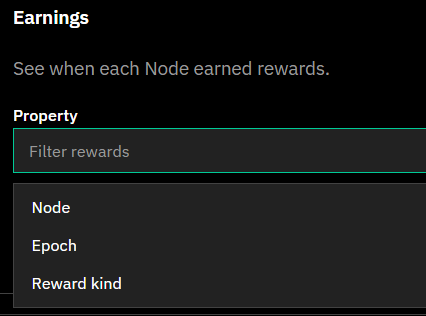
- Rewards Summary displays earnings per component, totalled by calendar month. Rewards are still calculated and accrued per weekly epoch.
- Rewards Activity section shows a list of the accrued rewards per Node.
Wallet Setup
To receive your accrued rewards, configure a self-custody Solana wallet in your account settings. Dispersed distributes rewards using the RENDER token (SPL) on the Solana blockchain.Wallet Requirements
- Self-custody Solana Wallet: Any non-custodial wallet that supports Solana SPL tokens (such as Solflare, Phantom, or a hardware wallet) where you control the private keys or recovery phrase.
- Solana Network Fees: Keep a small balance of SOL in your wallet to cover on-chain transaction fees when transferring or interacting with your RENDER tokens later.
Linking Your Wallet
- Create a self-custody Solana wallet and securely back up your Secret Recovery Phrase offline.
- Copy your Solana public address (base58 format).
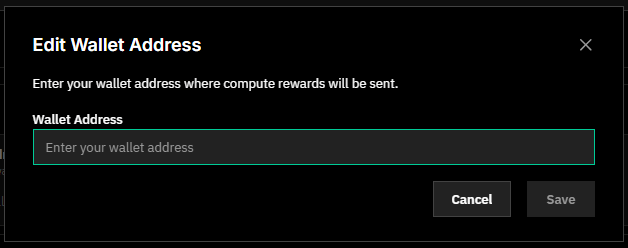
- Log in to the Dispersed Console using your OTOY Account and paste your Solana address into your account’s payout/wallet settings.
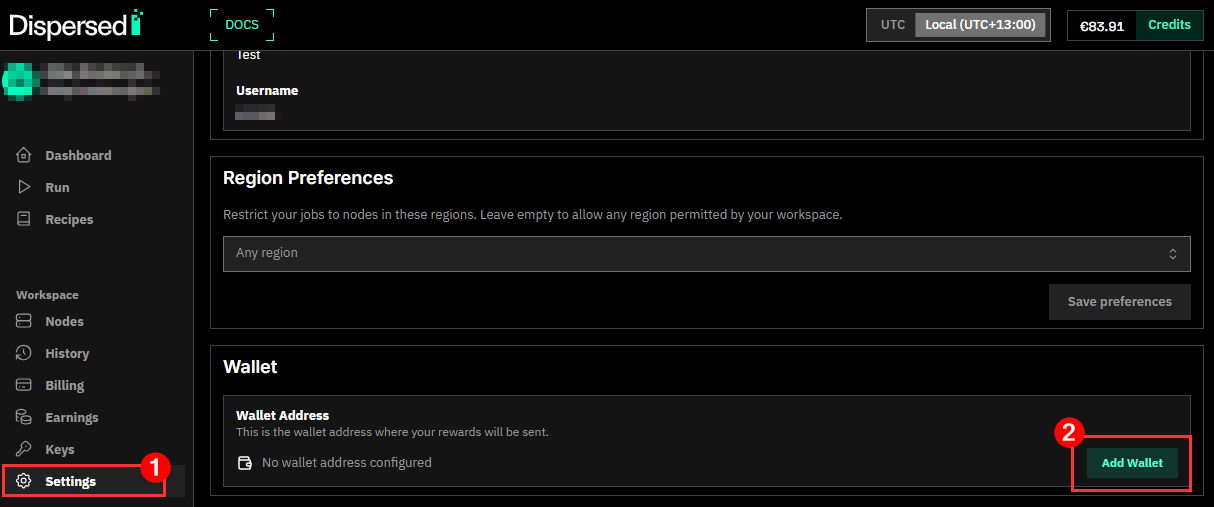
- Confirm the address and save your changes.
Should a Node not supply a valid SPL wallet within 1 month of performing work, it will forfeit its rewards.